






Valorant has long been known for its stunning weapon skins and limited-time bundles, but for years, one highly requested feature was missing: gifting. Fortunately, as of Patch 10.08, Riot Games introduced an official gifting system, allowing players to send skins to their friends—just in time to celebrate, team up, or surprise someone special. However, the system comes with specific rules and restrictions.
In this guide, you’ll learn how to gift skins in Valorant, what you can and can’t gift, and what requirements must be met before you hit that send button. Whether you’re a new player or a longtime fan, this will help you make the most of Valorant’s new gifting functionality.
Table of Contents
🎁 How Skin Gifting Works in Valorant

Before diving into the step-by-step process, it’s important to note: you can’t gift skins from your own collection. Gifting in Valorant only works by purchasing new skins or bundles directly from the Store, and selecting the “Gift” option at checkout.
Currently, only featured skins and bundles are giftable. This means that Battle Pass rewards, rotating Night Market items, and older store collections are excluded from the gifting system—for now.
🛒 How to Gift Skins in Valorant: Step-by-Step
To send a skin or bundle to a friend, follow these instructions:
Launch the game and head to the Store tab from the main menu. You’ll find featured bundles or individual skins that are currently available.
2. Select a Featured Skin or Bundle
Browse through the featured section, and pick the skin or bundle you’d like to gift. Make sure the “Gift” option is visible—it won’t appear for non-giftable items.
3. Click the Gift Icon
Once you’ve selected a skin, click the “Gift” button. You’ll now be prompted to choose a recipient.
4. Choose a Friend from Your List
You can only gift skins to friends you’ve had on your list for at least 7 days, and they must be on the same server region.
5. Confirm and Send the Gift
After selecting your friend, complete the purchase using Valorant Points (VP). Your friend will then receive an in-game notification with the gift.
📨 What Happens When Your Friend Receives a Gift?
Your recipient will get a mail notification inside Valorant. From there, they’ll have two options:
-
Accept – The skin is added to their collection immediately.
-
Reject – The gift is declined, and the sender is automatically refunded the full VP.
However, there’s a time limit: if the recipient doesn’t accept or reject the gift within 60 days, it expires, and the VP is returned to the sender.
⚠️ Gifting Restrictions and Requirements
Valorant’s gifting system isn’t completely open. There are a few important limitations that both senders and recipients must meet:
| Requirement | Details |
|---|---|
| Account Level | You must be at least Level 15 to gift or receive skins. |
| Friendship Duration | You must have been friends for at least 7 days in-game. |
| Same Server Region | Both players must be playing on the same server (e.g., NA, EU). |
| Only Featured Store Items | Gifts are limited to currently featured skins/bundles only. |
If any of these conditions are not met, the gifting option will be unavailable, and the button simply won’t appear.
🧠 Can You Gift Valorant Points (VP)?
As of now, you cannot gift VP directly. You can only use your own VP to purchase a skin or bundle for someone else, provided they meet all the gifting conditions.
For players who want to support friends financially, the best workaround is to gift Riot Gift Cards, which can then be redeemed for VP in the Valorant client.
💡 Bonus Tip: Use Gifting During Limited-Time Events
Seasonal bundles and event drops are some of the best times to gift in Valorant. If there’s a limited skin or bundle in the Store that your teammate is eyeing, now you can step in and surprise them with it—especially around holidays, birthdays, or major rank-up milestones.
🚀 Level Up Faster with GladiatorBoost
Want to unlock skins faster or get account levels ready for gifting? Let Valorant Boosting at GladiatorBoost help. Whether you need help reaching Level 15 to enable gifting, want to grind VP efficiently, or just want a high-performance ranked boost, GladiatorBoost’s professional services have you covered. With top-tier security and custom order options, you can hit your Valorant goals without the grind.
✅ Final Thoughts
The introduction of skin gifting in Valorant is a game-changer for the community—finally allowing players to share their favorite cosmetics with friends. Whether you’re celebrating a teammate’s clutch or just want to flex some generosity, gifting is now easier than ever.
Just make sure you meet all the requirements before attempting to gift, and encourage your friends to log in and accept the gift before it expires. As Riot continues to expand the system, we can likely expect more gifting options in future patches.
Related Guides
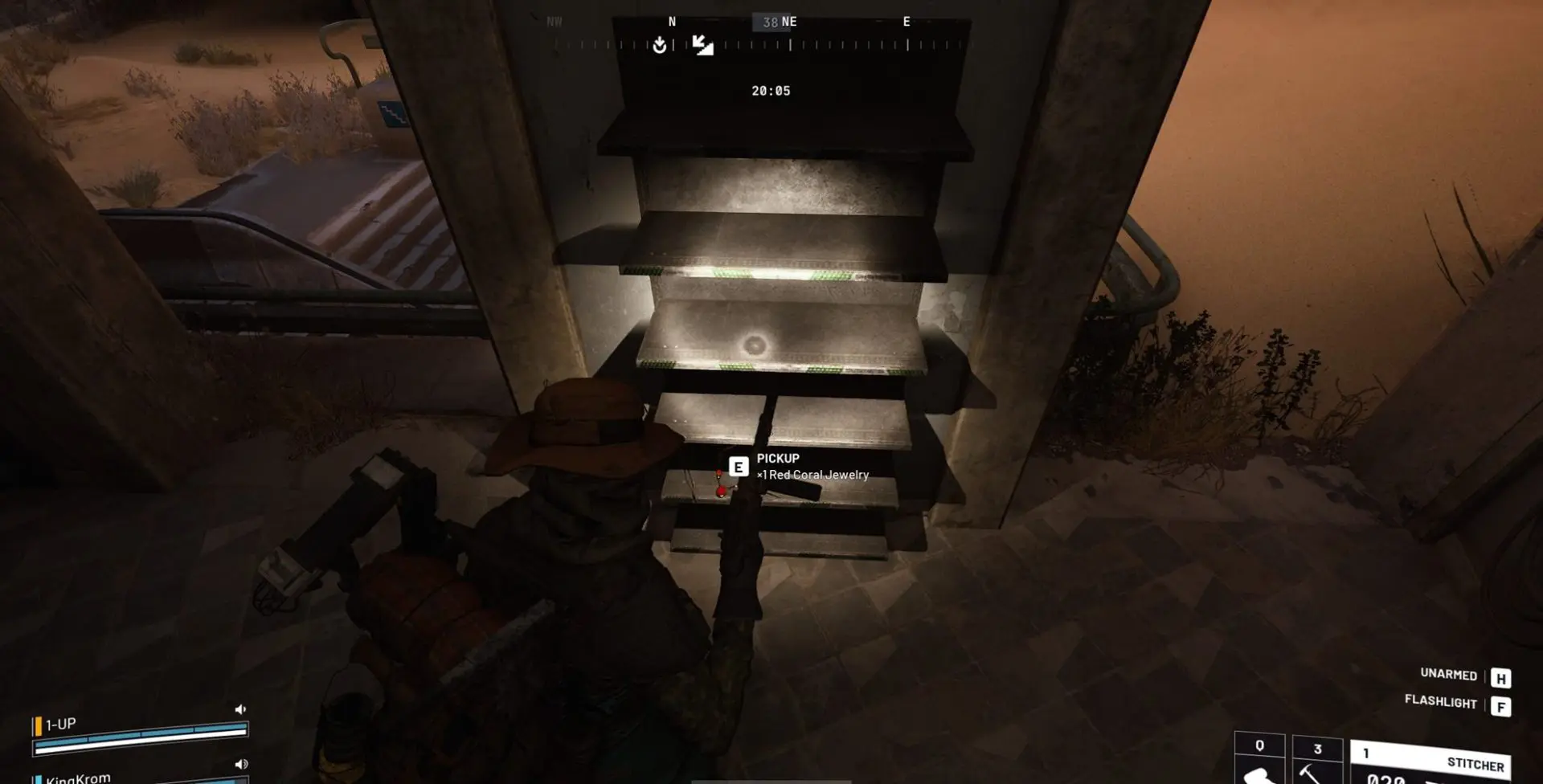
ARC Raiders Red Coral Jewelry Farming Guide: Best Locations and Fastest Loot Routes
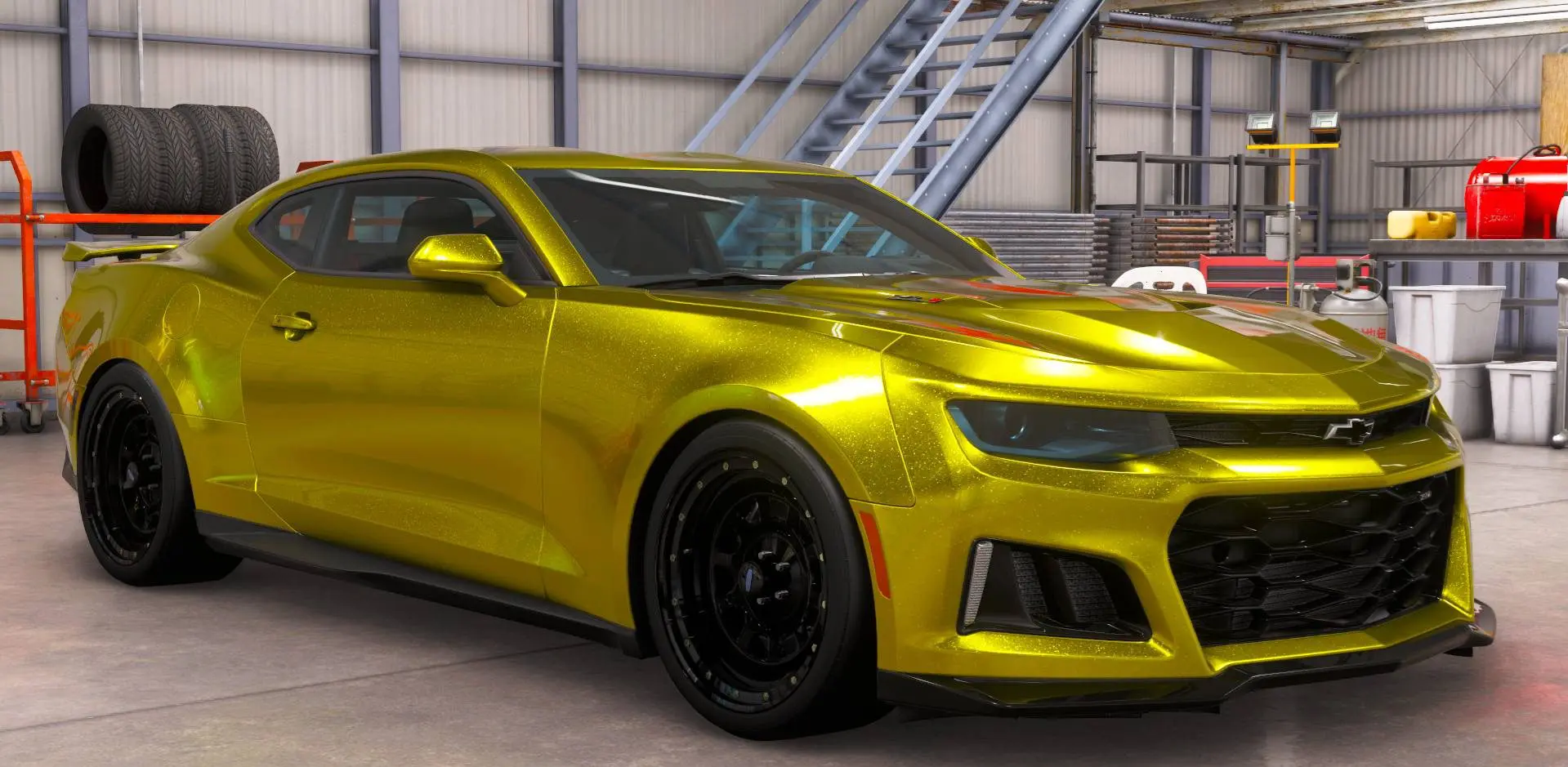
Best Early Cars in Forza Horizon 6: Fastest Budget Unlocks for New Players

Forza Horizon 6 House Locations Guide: Every Home, Price, Perk, and Unlock Requirement
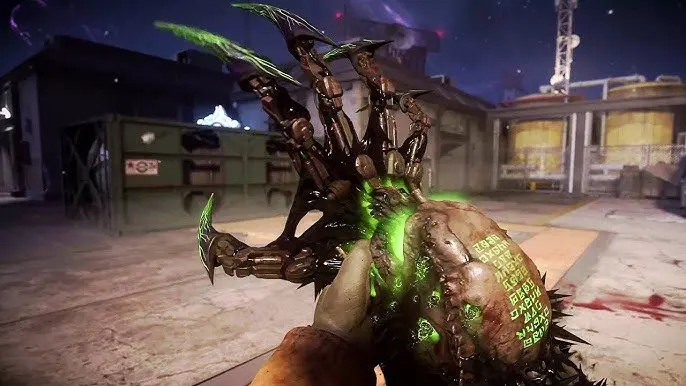
Black Ops 7 Zombies Wonder Weapons Ranked: The Ultimate Tier List