





Battlefield 6: Comprehensive Guide for Better Aim & Settings Optimization

Battlefield 6 evolves the franchise with new movement mechanics, destructible environments, and complex aiming physics. Success now depends more on finely tuned settings than raw skill alone. This guide covers essential tips—from HUD adjustments to input tuning—to help you aim sharper, respond faster, and dominate on land, air, and sea.
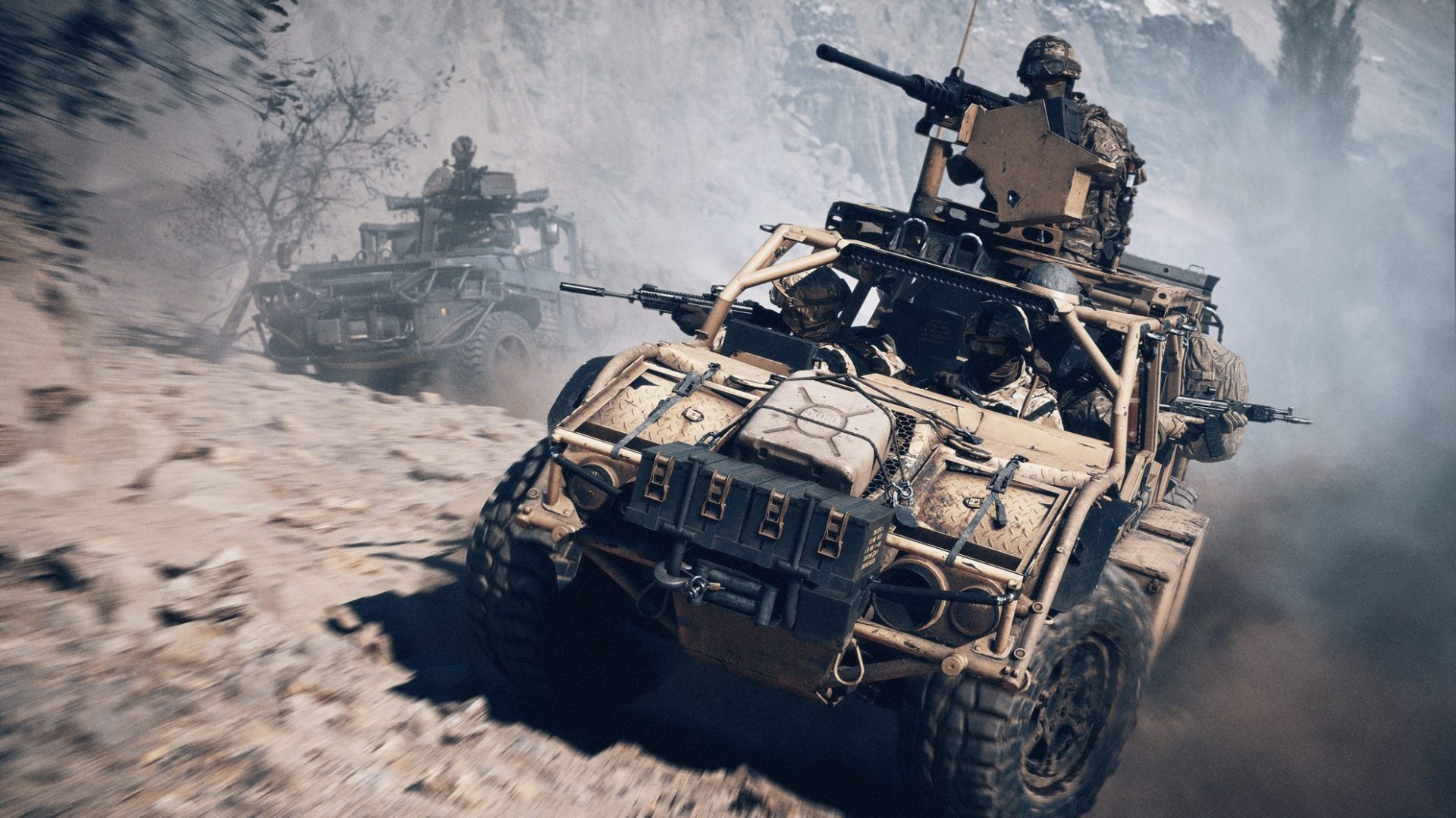
Table of Contents
- 1 1. Customize Your HUD for Maximum Clarity
- 2 2. Find Your Ideal Field of View (FOV)
- 3 3. Precision Tuning: Controller & Mouse Settings
- 4 4. Tackle Input Lag and Frame Drops
- 5 5. Optimize Weapon Aim Behavior
- 6 6. Tablet and In-Game Adjustments
- 7 7. Strategic Focus: Know When to Adapt
- 8 8. Practice Makes Precision
- 9 GladiatorBoost Spotlight
1. Customize Your HUD for Maximum Clarity
Battlefield 6’s chaotic battles can overwhelm your screen. Trim excess motion and clutter:
-
Disable HUD Motion: Reduces distraction when sprinting or turning.
-
Minimize Screen Effects: Turn off chromatic aberration, vignettes, and motion blur for clearer visuals.
-
Adjust Icon Intensity: Set to moderate—prioritize enemy outlines over ally icons to reduce confusion.
2. Find Your Ideal Field of View (FOV)
A wider FOV gives better awareness; too wide, and objects appear distant.
-
Start with FOV around 90–100°, then adjust based on your monitor size and personal comfort.
-
Use wide FOV for infantry but lower it slightly when sniping or using telescopic sights to reduce visual deformation.
3. Precision Tuning: Controller & Mouse Settings
Mouse/Keyboard
-
Turn off aim smoothing to reduce input lag.
-
Match ADS, scope, and hip-fire sensitivity for consistent aiming.
Controllers
-
Switch to the Alternate button layout—Swipe melee and prone to easily accessible buttons.
-
Deadzone: Set around 5%—increase only if you notice stick drift.
-
Aim Assist: Should be set moderate—enough to aid tracking without making movements feel detached.
4. Tackle Input Lag and Frame Drops
Performance smoothness directly affects your responsiveness.
-
Disable V-Sync, which introduces input delay.
-
Lock your FPS slightly below your monitor’s refresh rate (e.g., 115 FPS for 120Hz) for steadier frame timing.
-
Lower post-processing (chromatic, blur, depth effects) if your FPS drops below target.
5. Optimize Weapon Aim Behavior
Infantry combat is a dance of recoil control and burst timing.
-
Learn weapon-specific recoil patterns in practice ranges.
-
For automatic weapons, engage in short bursts or controlled tap-firing.
-
Use the right attachments—like stock and foregrip—for smoother recoil and tighter spread.
6. Tablet and In-Game Adjustments
-
Disable incoming damage number popups—they can obscure targets mid-fire.
-
Use clean crosshairs with differentiated hit-marker colors.
-
Turn off unnecessary overlays like motion-tracked weapon sway.
7. Strategic Focus: Know When to Adapt
-
Air vs. Ground: Wider FOV helps with air spotting; narrow it for close-quarters infantry fights.
-
Suppression: Pay attention to screen bloats—use cover, and ADS early to counter visual hindrance.
-
Minimap Use: Set transparency low enough not to distract but visible enough to track flanks.
8. Practice Makes Precision
Regular testing and small adjustments matter:
-
Use shooting range modes or private matches to fine-tune your settings.
-
Record where enemies appear and adjust HUD or FOV accordingly.
-
Reflect on deaths—was it visibility, input lag, or recoil control?
GladiatorBoost Spotlight
Want expert help dialing in your sensitivity, HUD, or aiming consistency? GladiatorBoost’s Battlefield 6 Boosting services offer precision setup and live guidance so you can excel from day one—with optimized input, visibility, and aiming habits.
Conclusion
A disciplined approach to settings dramatically improves your battlefield performance. Customizing HUD elements, locking FOV to your needs, refining mouse or controller behavior, and mastering weapon feel are pillars of elite play in Battlefield 6. Combine these with thoughtful reflection and targeted tweaking, and you’ll raise your game fast.
Related Guides
ARC Raiders Red Coral Jewelry Farming Guide: Best Locations and Fastest Loot Routes
Best Early Cars in Forza Horizon 6: Fastest Budget Unlocks for New Players
Forza Horizon 6 House Locations Guide: Every Home, Price, Perk, and Unlock Requirement
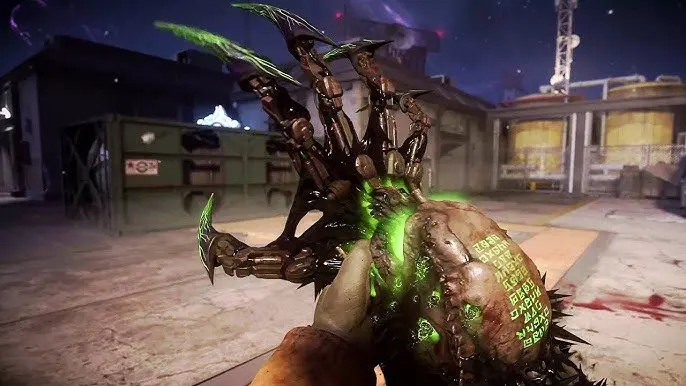
Black Ops 7 Zombies Wonder Weapons Ranked: The Ultimate Tier List