






Table of Contents
🔧 What Is Firmware?
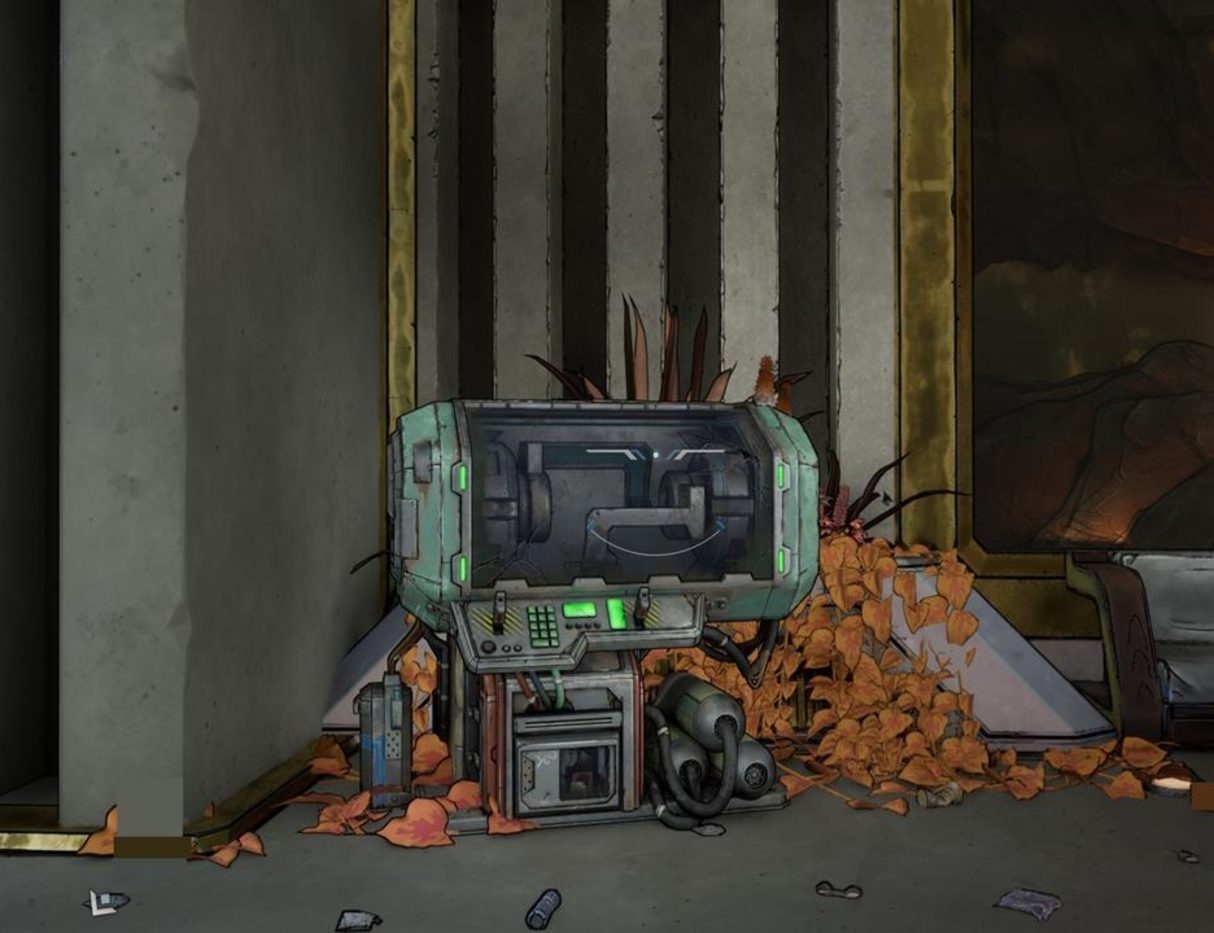
Firmware is a unique gear mechanic in Borderlands 4. It appears on non-weapon equipment like shields, class mods, ordnance, and repkits. Each piece of Firmware grants special passive effects, and when you equip multiple items with the same Firmware, you unlock stronger set bonuses.
⚙ Firmware Set Bonus Tiers
Firmware bonuses scale depending on how many matching pieces you have equipped:
-
Minor Bonus (1 piece): Grants a small base effect, such as faster cooldowns or improved accuracy.
-
Major Bonus (2 pieces): Strengthens the effect, adding extra damage, survivability, or efficiency.
-
Full Bonus (3 pieces): Unlocks the most powerful effect, often a unique mechanic like bullets piercing enemies, lifesteal, or bonus explosions.
📦 Examples of Firmware Sets
-
High Caliber – Improves projectile speed, then boosts gun damage, and finally allows bullets to pierce enemies.
-
Deadeye – Enhances accuracy, then critical hit damage, and later stacks bonus crit damage with consecutive hits.
-
Risky Boots – Reduces damage when low health, boosts movement speed under pressure, and eventually grants lifesteal when critically injured.
-
Gadget Ahoy – Speeds up ordnance cooldowns, increases explosive damage, and adds stacking buffs when you kill with ordnance.
🔁 How to Upgrade and Transfer Firmware
-
Finding Firmware: Firmware starts appearing on loot drops around mid-game (roughly level 25 onward). It can roll on shields, mods, and other equipment.
-
Upgrading Sets: Focus first on equipping two matching pieces for a Major Bonus, then aim for three to unlock the Full Bonus.
-
Transfer Machines: After the campaign, you can use special machines in hubs to transfer Firmware from one piece of gear to another of the same type. Be aware: transferring destroys the original item.
🎮 Tips for Using Firmware Effectively
-
Prioritize Firmware that aligns with your playstyle—ordnance boosts for explosive builds, crit bonuses for sharpshooters, or survivability for tanks.
-
Don’t spread out too many random Firmware types—stick to two or three pieces of the same set for stronger synergies.
-
Plan ahead when farming gear so you can build toward full bonuses rather than settling for minor effects.
🌟 Borderlands 4 Firmware Boosting Spotlight
Farming the right Firmware can take a lot of grinding. With Borderlands 4 Boosting, you can quickly secure pieces with the bonuses you need, transfer them onto stronger gear, and build optimized loadouts faster—perfect for tackling high-level content.
Related Guides

Rainbow Six Siege Calypso Casino Guide: Best Strategies, Operators & Site Setups
Black Ops 7 Illicit Cargo Event Rewards Guide: Every Camo, Challenge & Unlock Explained
Forza Horizon 6 Treasure Hunt in Tokyo City Location (Spring) – Complete Guide

Forza Horizon 6 AstroToy Photo Challenge Guide: HZN-VI Rocket Location Explained