





How to Unlock Free Fortnite Slurp Rush Twitch Drops: Elite’s Sigil & Route Kit

Fortnite’s Slurp Rush event has officially landed, bringing back the chaos and charm of the Chapter 2 era with a nostalgic Reload map and fast-paced gameplay. As part of the celebration, Epic Games is also dropping exclusive in-game rewards via Twitch Drops—free for players who take part during the limited-time window.
If you’re looking to snag the Elite’s Sigil Wrap and Route Kit Back Bling for free, you’re in the right place. This guide will walk you through exactly how to link your accounts, where to watch, and how long to tune in to claim your Twitch Drops.
Let’s break it all down.
Table of Contents
What Are Slurp Rush Twitch Drops?
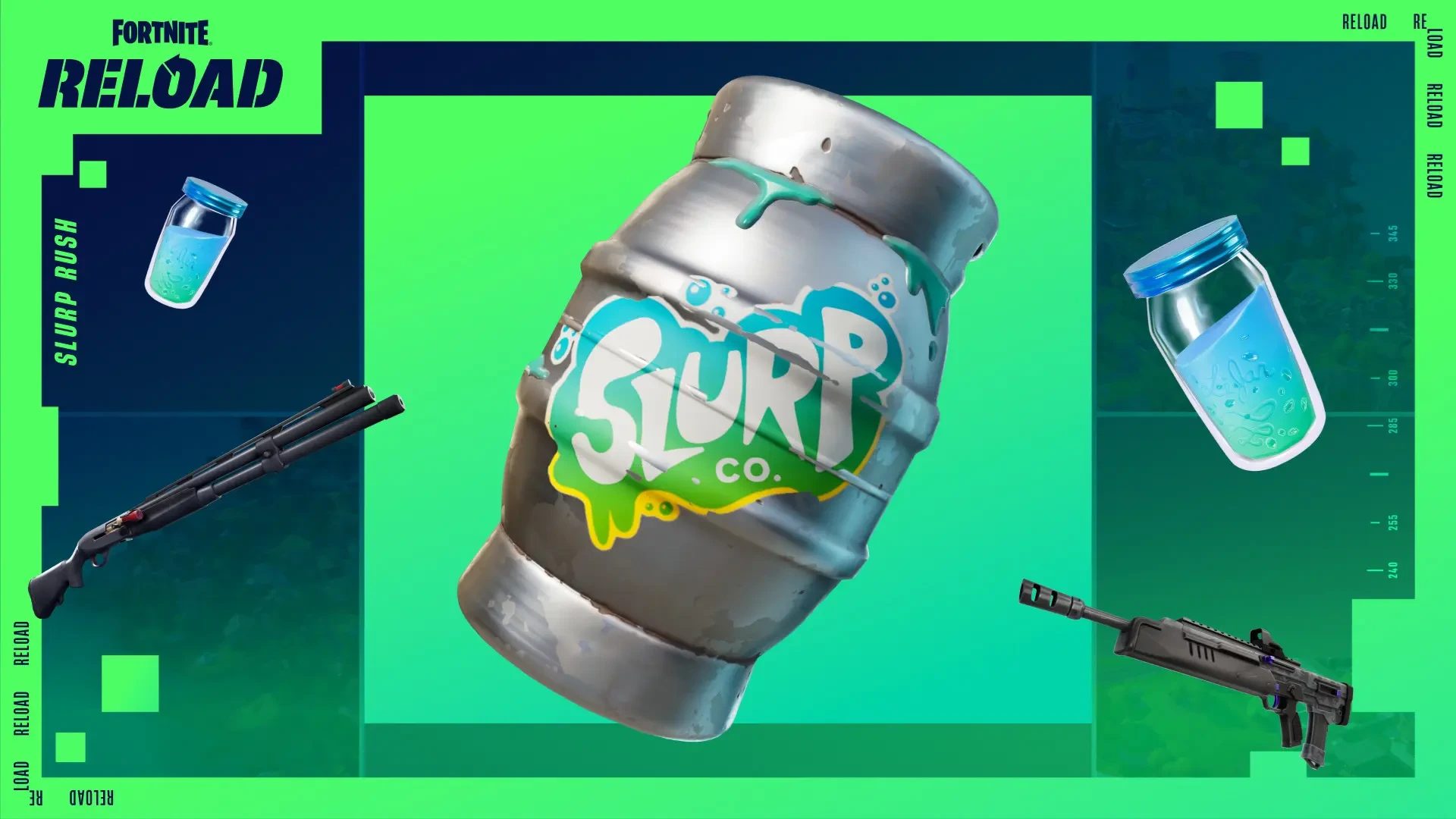
To mark the release of the Slurp Rush map in Fortnite Reload, Epic Games has launched a short-term Twitch Drops event. During this event, players can earn free cosmetics just by watching select Fortnite Twitch streams.
Here’s what’s up for grabs:
-
Elite’s Sigil Wrap – A sleek weapon wrap to give your gear a tactical look.
-
Route Kit Back Bling – A themed backpack cosmetic that pairs perfectly with any Slurp Rush-inspired loadout.
These rewards are available completely free to players who complete simple Twitch viewing milestones during the event window.
Step 1: Link Your Epic Games and Twitch Accounts
Before you can earn any Twitch Drops, your Epic Games and Twitch accounts must be linked. If you skip this step, you won’t be eligible to receive the rewards—even if you watch the streams.
How to Link Accounts:
-
Visit the Epic Games Connections Page.
-
Sign in with your Epic Games credentials.
-
Under the Apps section, find Twitch and click Connect.
-
Log into your Twitch account when prompted.
-
Authorize the connection.
Once you’ve linked the accounts successfully, you’re ready to earn Twitch Drops.
Step 2: Watch Eligible Fortnite Streams
The Twitch Drops window for Slurp Rush runs from April 15 to April 21, 2025. During this time, simply watch Fortnite Twitch streams that have Drops enabled to start earning rewards.
Here’s what you need to do:
-
Go to Twitch’s Fortnite category.
-
Filter by Drops Enabled to find eligible streamers.
-
Tune into any stream from the category—your watch time will automatically be tracked.
Drop Requirements:
-
Elite’s Sigil Wrap – Watch for 30 minutes.
-
Route Kit Back Bling – Watch for 1 hour.
Watch time can be accumulated across different streamers, but make sure you’re logged into the right Twitch account and that Drops are turned on for that stream.
Step 3: Claim Your Rewards
Once you’ve met the required watch time, your rewards will be ready in your Twitch Drops Inventory.
To claim:
-
Go to Twitch Drops Inventory.
-
Click Claim next to each eligible reward.
-
After claiming, your cosmetics will appear in Fortnite—usually within minutes, but it can take up to 14 days in some cases.
Make sure to claim the rewards before April 22 at 12 AM ET—after that, they’ll no longer be available through Twitch Drops. Epic may release them later in the Item Shop, but they’ll no longer be free.
Fortnite Boosting at GladiatorBoost: Dominate Slurp Rush With Ease
Want to hit high placements in Slurp Rush or unlock other rewards faster? Whether you’re trying to dominate Reload, complete challenges, or rack up crowns, Fortnite Boosting at GladiatorBoost is the perfect way to stay ahead.
With professional boosters who are familiar with the latest metas, events, and patches, GladiatorBoost offers:
-
Ranked mode progression
-
Crown wins farming
-
XP and Quest boosts
-
Event-specific services, including Twitch Drop grinds
Let us handle the grind so you can focus on what matters—enjoying your cosmetics and stacking those Victory Royales.
Pro Tips for Twitch Drops
-
Enable Notifications: Twitch will alert you when Drops are active or rewards are ready to claim.
-
Use Mobile or Background Tabs: You don’t need to be actively watching—just keep the stream open and logged in.
-
Double-check your Linked Accounts: If you’re not receiving rewards, unlink and relink to refresh the connection.
What’s Next After Slurp Rush?
While Slurp Rush is already packing nostalgic energy and fast-paced fun, Epic is likely planning more Twitch Drops and in-game events soon. Keeping your Twitch and Epic accounts linked is a great way to stay ready for future giveaways.
Also, stay tuned for additional Slurp Rush-themed cosmetics or challenges that could hit the Item Shop or bonus quests—especially if this map continues to gain traction in the competitive scene.
Final Thoughts
The Slurp Rush Twitch Drops event is a limited-time opportunity to grab some stylish Fortnite gear—completely free. All it takes is a few minutes of watching your favorite Fortnite streamers to secure the Elite’s Sigil Wrap and Route Kit Back Bling. Just make sure your accounts are properly connected and you claim the rewards before the deadline.
And if you’re looking to rise above the competition and make the most of your Slurp Rush experience, GladiatorBoost’s Fortnite Boosting services are always ready to help you climb, win, and unlock faster.
Related Guides
ARC Raiders Red Coral Jewelry Farming Guide: Best Locations and Fastest Loot Routes
Best Early Cars in Forza Horizon 6: Fastest Budget Unlocks for New Players

Forza Horizon 6 House Locations Guide: Every Home, Price, Perk, and Unlock Requirement
Black Ops 7 Zombies Wonder Weapons Ranked: The Ultimate Tier List